Find It AI
Find the file. Keep your flow.
Find It AI builds a fast local index of your chosen Windows drive so you can locate files with a focused search workspace instead of digging through folders.
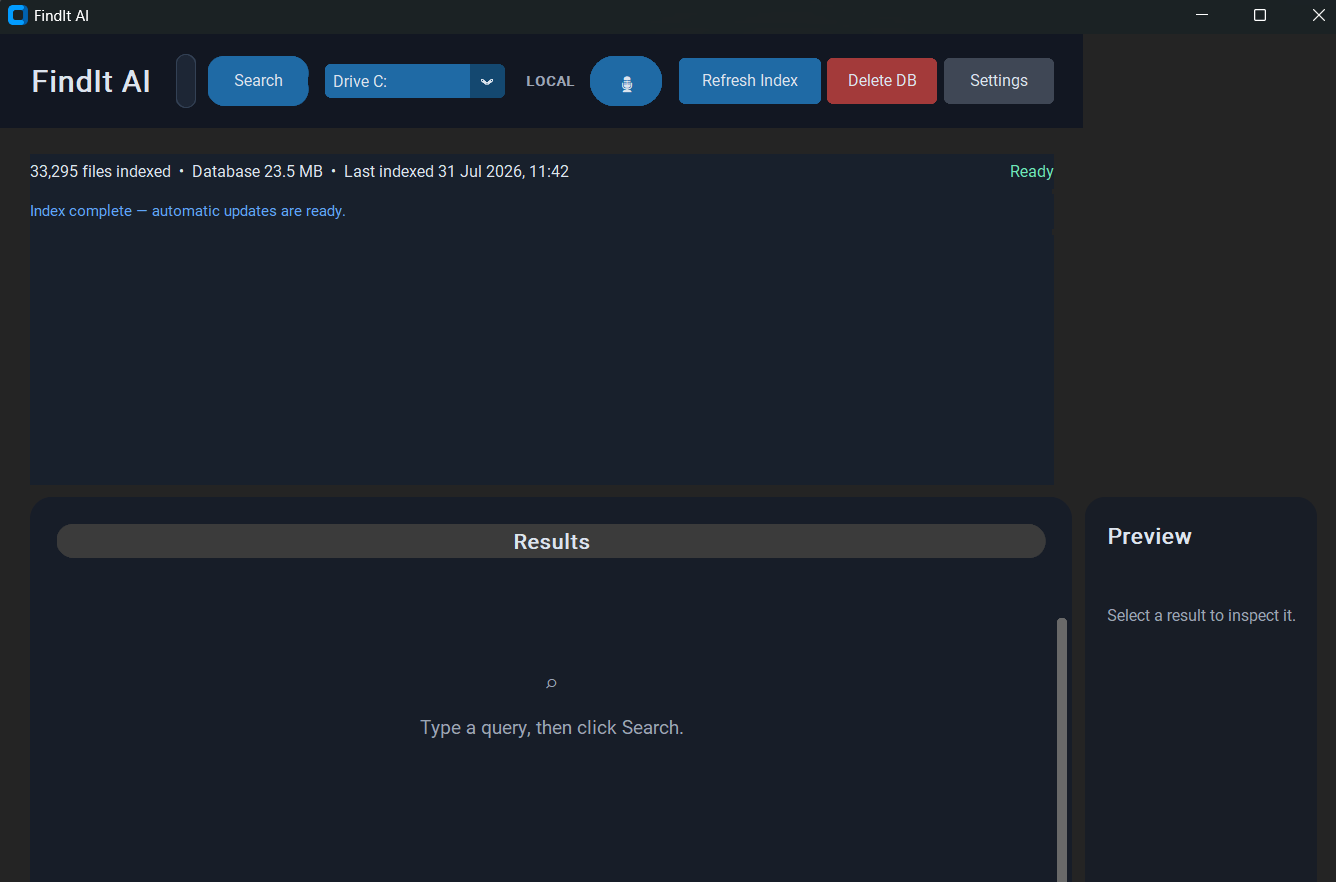
Engineered for absolute accuracy.
Designed specifically for Windows power users who need reliable drive organization without guesswork.
Local drive indexing for responsive search
Focused search workspace with quick drive selection
One-click index refresh
Clear file count and database status
Private, local-first workflow
Why users trust Find It AI
Explore the interface
Click any screenshot preview to expand and view in full detail.
Installation & Setup Guide
Instant Download
After server-verified payment, download the lightweight executable directly.
Run Standalone
No complex setup wizard required. Launch the standalone application on your PC.
Recover Space
Select target drive folders, click scan, and enjoy gigabytes of free disk space.
User Feedback & Reviews
“I had 3 photo drive backups with thousands of duplicate RAW photos. Duplicate File Cleaner Pro recovered 68 GB in under 5 minutes without missing a beat.”
Vikram S.
Digital Photographer
“The hashing scan is unbelievably fast and accurate. I love that Windows system folders are excluded by default so I never worry about breaking my OS.”
Ananya R.
Software Engineer
“Extremely clean UI with zero bloatware or background subscription model. One-time purchase, instant download link, works offline right away.”
Rohan M.
Content Creator
Frequently Asked Questions
Does Find It AI upload my files?
No. It is designed around a local index on your Windows PC.
Can I refresh the index?
Yes. Use the dedicated Refresh Index control whenever you need current results.